



Reading export
EPUB
Turn transcript content into an EPUB file for accessible digital reading in compatible e-readers and reading applications.

Premium Tool
Turn audio and video recordings into transcripts, captions, summaries, and reusable content.
Upload meetings, podcasts, interviews, lectures, webinars, social media clips, and everyday recordings. Media Transcriber transforms spoken content into clean, searchable transcripts, captions, meeting notes, podcast show notes, summaries, accessible reading formats, and reusable content—all from a single upload.
Whether you're documenting meetings, publishing videos, creating accessible content, or repurposing long-form recordings, Media Transcriber helps you spend less time transcribing and more time using your content.
Media sources
Upload recordings from social platforms, meetings, podcasts, lectures, interviews, and more. Media Transcriber extracts what it needs and turns spoken content into clean, reusable text.
Clips and captions
TikToks, Instagram Reels, YouTube Shorts, Snapchat clips, and short-form video exports.
Notes and follow-up
Zoom recordings, Microsoft Teams calls, webinars, planning sessions, and recorded discussions.
Episodes and reuse
Full episodes, clips, interviews, show recordings, and podcast-to-blog workflows.
Study and training
Classes, presentations, training videos, learning materials, and lecture-to-notes workflows.
Research and archives
Research interviews, journalism, oral histories, conversations, and searchable archives.
Publishing support
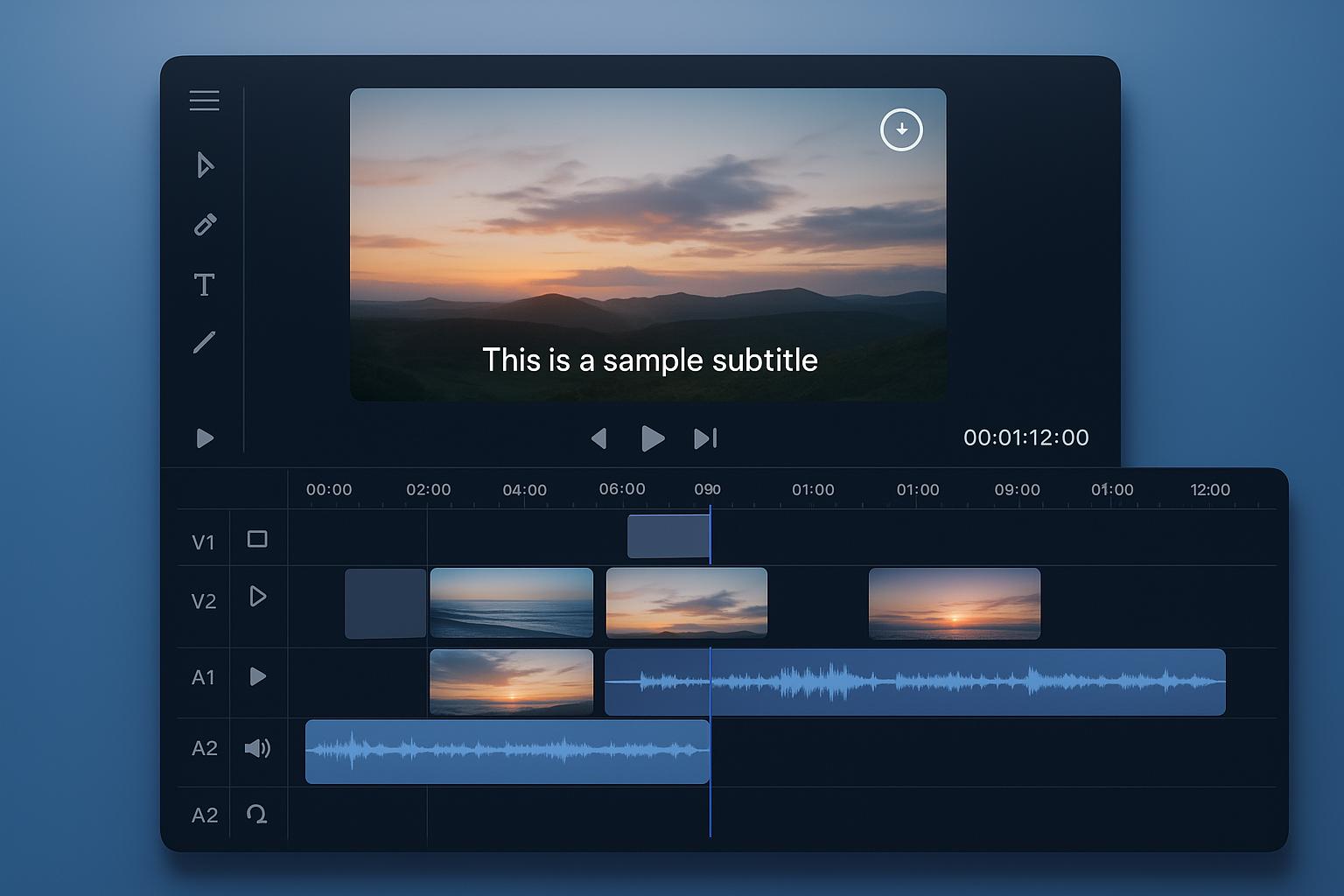
Prepare subtitle-ready files for videos, websites, accessibility workflows, and publishing pipelines.
Source
Real-world video, audio, or transcript input
00:00:04 Speaker 1
So hello and welcome...
00:00:17 Speaker 1
The Michigan State University...
00:00:24 Speaker 2
Can everyone hear me okay?
Transcript & Captions
Structured and easier to reuse
[00:00:04] Speaker 1:
So hello and welcome...

[00:00:17] Speaker 1:
The Michigan State University...

[00:00:24] Speaker 2:
Can everyone hear me okay?
Export
Caption and document-ready output
WEBVTT

00:00:04.000 --> 00:00:07.000
So hello and welcome...

00:00:17.000 --> 00:00:21.000
The Michigan State University...

00:00:24.000 --> 00:00:27.000
Can everyone hear me okay?
More ways to use your transcript
A transcript doesn't have to stop at captions or a text document. Media Transcriber can prepare your content for accessible digital reading, braille workflows, and experimental ASL gloss generation.
Reading export
Turn transcript content into an EPUB file for accessible digital reading in compatible e-readers and reading applications.
Braille export
Prepare transcript content as Braille Ready Format (BRF) for use with compatible refreshable braille displays, embossers, and braille reading workflows.
Experimental AI
Generate an experimental ASL gloss draft from transcript content as a starting point for review and refinement by someone with appropriate ASL expertise.
Step 1
Start with audio or video from social clips, meetings, interviews, lectures, podcasts, webinars, screen recordings, and production exports.
Step 2
Your recording is prepared for transcription, converted when necessary, and transformed into a searchable transcript. Optional AI enhancements can generate cleaner transcripts, summaries, meeting notes, podcast show notes, and experimental ASL gloss drafts from the same recording.
Step 3
Download transcript and caption formats, editable documents, data exports, or reading formats including EPUB and BRF for compatible digital reading and braille workflows.
Review your recording, detect supported formats, and prepare it for the best possible transcription experience.
Extract audio, optimize recordings, and convert supported media into the format needed for reliable transcription.
Turn spoken conversations into searchable transcripts with timestamps and speaker identification when available.
Generate cleaner transcripts, meeting summaries, podcast show notes, and other AI-powered content from the same recording.
Download transcripts, captions, subtitles, and documents ready for publishing, accessibility, collaboration, or archiving.
Recording spoken content is easy. Turning it into something useful usually isn't.
Whether you're working with a podcast episode, meeting recording, lecture, interview, webinar, or social media clip, Media Transcriber helps you move from raw media to polished, reusable content without stitching together multiple tools.
Start with a transcript, then generate captions, meeting notes, podcast show notes, summaries, or export-ready documents from the same recording. Spend less time formatting and more time using your content.
Media Transcriber is built for the kinds of recordings people work with every day—from short social clips to multi-hour meetings and interviews.
Make initial transcript output easier to read and more useful without as much manual cleanup.
Improve success rates for awkward, unsupported, or imperfect media through conversion and recovery pathways.
Support practical export into caption, subtitle, text, and document formats used in real workflows.
Reduce repetition for larger jobs with queue-based batch processing for premium users.
Media Transcriber is designed to support both individual jobs and larger processing needs. Premium is built for creators, educators, researchers, businesses, and teams who regularly work with recorded content. Process larger workloads, upload multiple files, and generate AI-powered enhancements from a single workspace.
Batch processing lets you upload and queue multiple files at once instead of repeating the same workflow one file at a time.
Turn TikToks, Reels, Shorts, podcasts, and video clips into captions, scripts, notes, and reusable content assets.
Improve transcript and caption preparation so output is easier to adapt for accessible delivery.
Move from meeting recordings and calls to searchable transcripts, notes, and follow-up material.
Process interviews, lectures, classes, and discussions into formats that are easier to archive, search, and reuse.
Upload audio or video once and let Media Transcriber handle the transcription, optional AI enhancements, and export-ready output.